Guild & Community & Alliance Management
Manage membership, review applications and keep your Guilds connected through Communities.
Manage your guilds, organize your rosters, grow your communities, and forge alliances—all your games, one app.
SUPPORTED GAMES
Tell us which game you’d like to see next. We’re always open to expanding our supported games around your community’s needs.
 FEATURES
Organize your members, characters and activities across your games. Keep day-to-day coordination in one place, with Discord connected.
Manage membership, review applications and keep your Guilds connected through Communities.
Schedule Events and let members respond with their eligible characters. See who plans to attend.
Arrange characters into parties with the class and role information your group needs.
Record actual attendance and manage participation points separately from Event responses.
Record drops, distribute items by Council, Roll or Auction, and track assignment and delivery.
Connect your Community to Discord, synchronize roles and share applications and Event messages.

Classes and races, talent trees with a build maker, the raid and dungeon journal, items, professions, Mythic+ and PvP, collections, achievements and more. It starts with World of Warcraft and more games are on the way. No sign-in needed and completely free.
We’re working toward connecting game and community APIs wherever reliable sources are available, bringing original character, equipment and game data into Guild Master. Support will expand game by game as integrations become available.
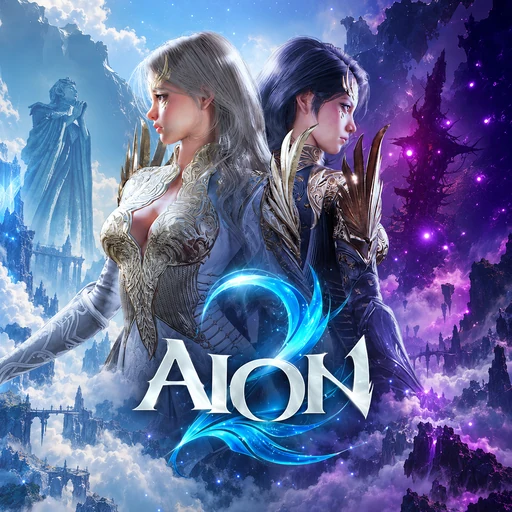
We’re building free add-ons that bring Guild Master into the games themselves, starting with titles such as Aion 2 and World of Warcraft. Each add-on will be announced as it becomes available.
GETTING STARTED
Use your Discord account.
Create your Guild or Community.
Plan your Events and gather your team.
 WHICH PLAN FITS YOU?
A Community is the people who gather on one Discord server. The games you play and their Guilds all live under it, with unlimited members and Events on every plan.
 Premium is for when
STREAMERS
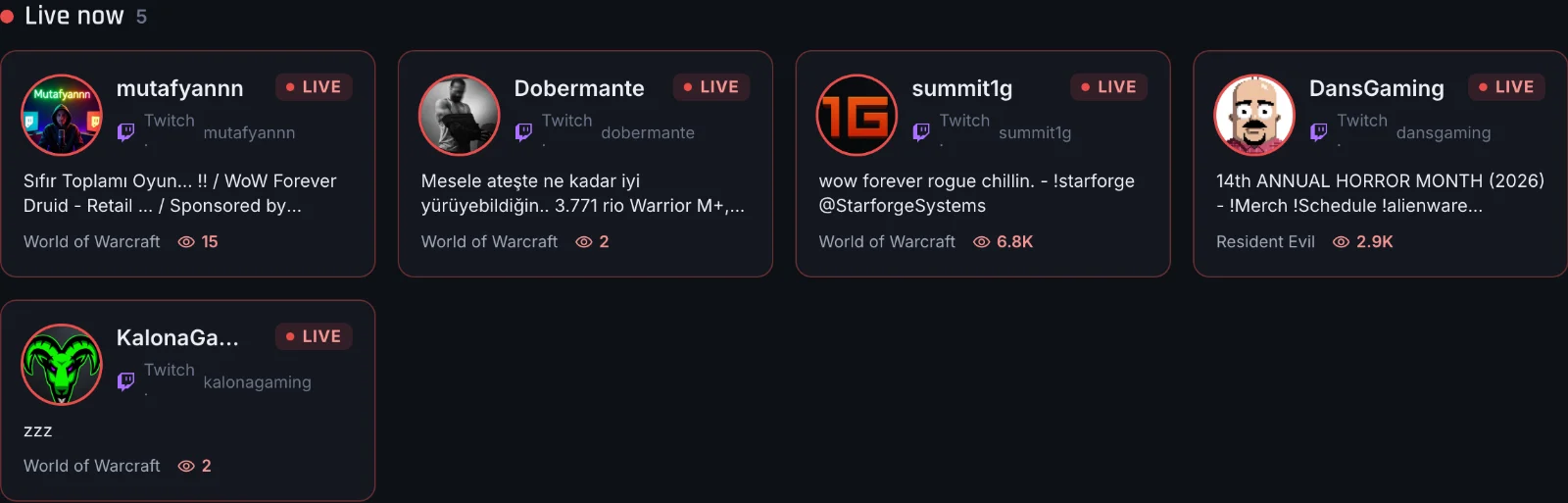
When your Community's streamers go live on Twitch or Kick, Guild Master tells your Discord, so everyone knows where to watch.


Streamer tracking has platform-specific Free limits. Each channel has its own message and notification target.

Guild MasterAPP
mutafyannn is live! Come say hi.
DISCORD MODULES
Welcome, Goodbye, Role Changes, role synchronization and Twitch/Kick alerts are independent. Enable only what you need; using one does not require enabling the others.
Greet new Discord members in your chosen channel with a personalized message. No Guild Master account is needed to receive a welcome.
Read the setup guide — WelcomePost a separate farewell when someone leaves the Discord server. Choose its own channel and message.
Read the setup guide — GoodbyeAnnounce Discord role additions and removals. This module reports changes; it does not assign roles.
Read the setup guide — Role ChangesKeep Game and Guild roles in your Discord aligned with Guild Master. Turn them on and save; permissions stay yours.
Read the setup guide — Role synchronizationModules require an active Community, a linked Discord server and the appropriate permissions. Streamer tracking has platform-specific FREE limits; no paid purchase is available yet.
 EVENTS
Bring participating Guilds together around an Event. Members respond for each eligible character, so organizers can prepare their roster and parties.
 LOOT
Keep Guild loot decisions and their outcome in one shared record, from the distribution method to the receiving character.
 DASHBOARD
Keep your characters, guilds, communities, alliances and upcoming events within reach from one personal dashboard.
 MEMBERS
Browse your roster, filter playing options and review character profiles, roles and attendance points in one place.
 DISCORD
Review applications and respond to events through Guild Master’s Discord messages, with the panel one click away.
Demo Discord messages
A preview of Guild Master’s Discord experience. Message layouts may vary by version. Names, dates and counts are examples; controls are not interactive.
 DISCOVERY
Explore Players and their Characters, find a Guild, discover Communities across games, or look for an Alliance to coordinate larger battles.
Find potential allies for large-scale wars. Communities can apply to an Alliance or receive an invitation, bringing their Guilds together for coordinated play.
Bring Communities together in an Alliance · Plan capacity applies
PARTNERS
Discord voice coordination across channels and allied servers.
Plan your Community, Guilds and Events with Guild Master, then use ShotCall for live voice coordination during raids, sieges and allied operations.
Meet ShotCallFEEDBACK
Tell us what your Guild or Community needs, share an idea, or report something that gets in your way. We welcome ongoing conversations and use your feedback to improve Guild Master.
Available in 9 languages: English, Deutsch, Türkçe, Русский, Português, Español, Italiano, Slovenščina, Français.
CONTRIBUTE
With your ideas, feedback and support, we can bring Guild Master to more communities and keep building the features you need. Join us on Discord and help shape what comes next.
Join Our Discord  Assassin (2)
 Chanter (2)
 Cleric (2)
 Gladiator (2)
 Ranger (2)
 Sorcerer (2)
 Spiritmaster (2)
 Templar (2)